
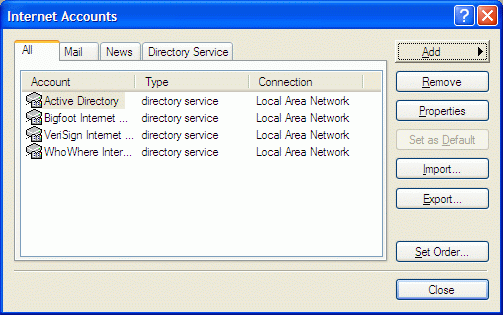
1. Go to Tools / Accounts / Add / Mail
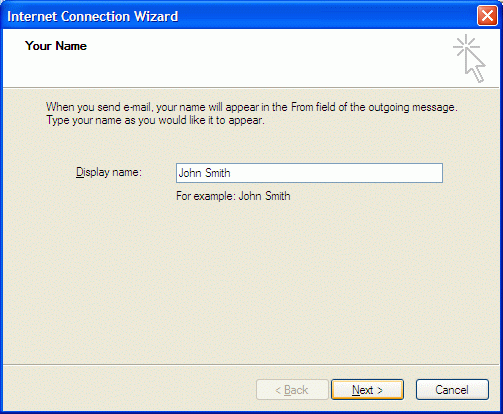
2. Type in your name
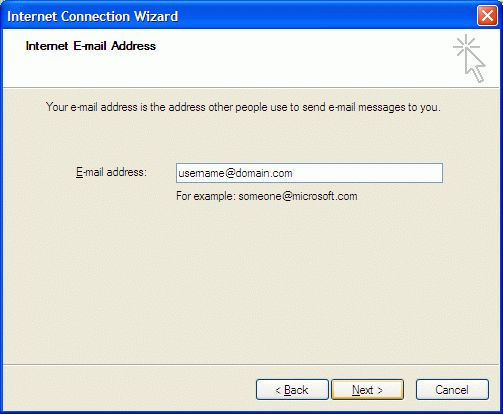
3. Key in your full email address
4. Select POP3 or IMAP depending on your preference. Please refer to differences between POP3 and IMAP. Key in your incoming and outgoing mail server. eg: mail.domain.com

5. Your account name is your full email address.
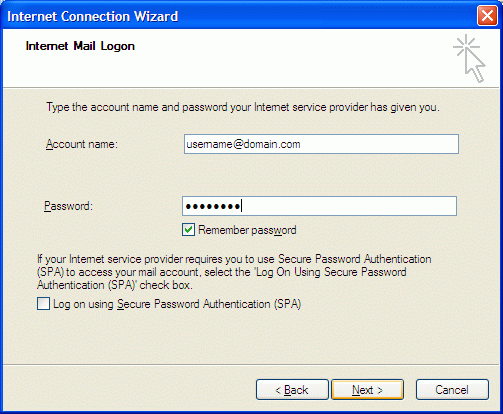
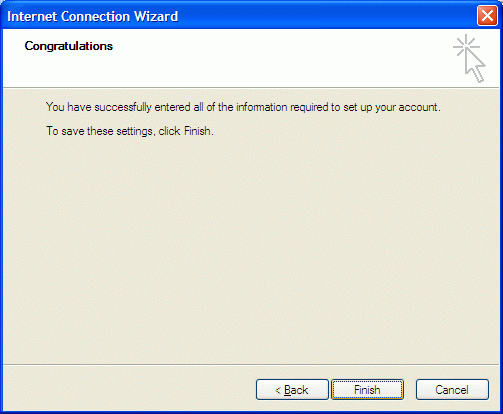
6. Click finish
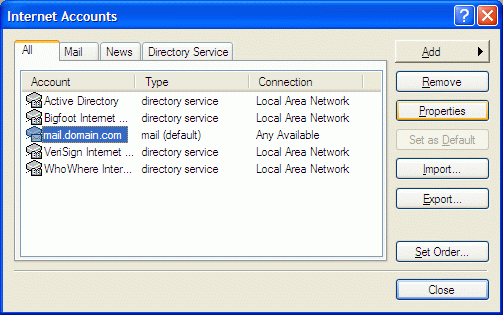
7. Select the newly created mail account and click on properties
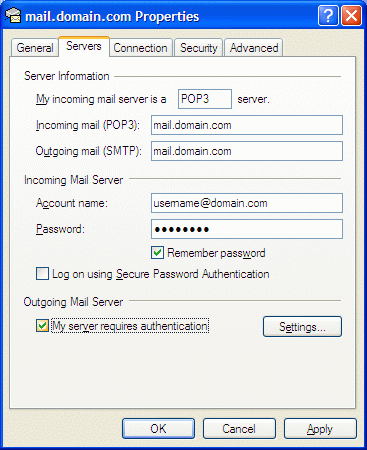
8. Go to Server tab and check "My server requires authentication". Failure to change this will cause problems in sending out email.
9. Go to Advanced tab and change the default Outgoing server (SMTP) port number from 25 to 587. Failure to change this will cause problems in sending out email. Click OK. Please note that the default Incoming server port number for POP3 is 110 and IMAP is 143.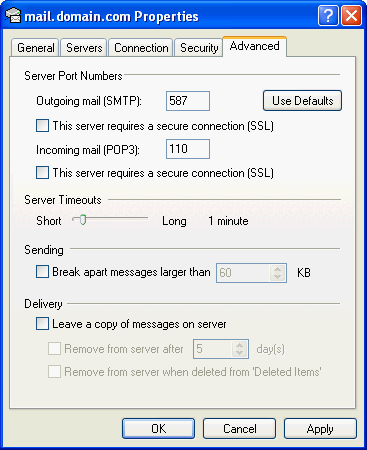
Done!
- 26 Users Found This Useful
Related Articles
Powered by WHMCompleteSolution
