
For example, you already have username@domain.com as your primary email account and you have set billing@domain.com, sales@domain.com and support@domain.com to forward to johndoe@domain.com. You can actually send out or reply email using any email address (e.g. billing@domain.com) as sender other than your primary email email address.
1. Create your primary email account.
2. Go to Tools > Accounts > Add > Mail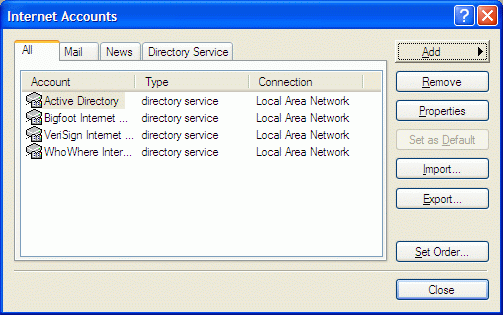
3. Type in a name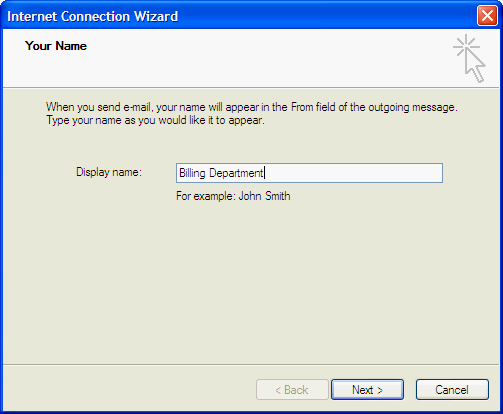
4. Key in the alternative email address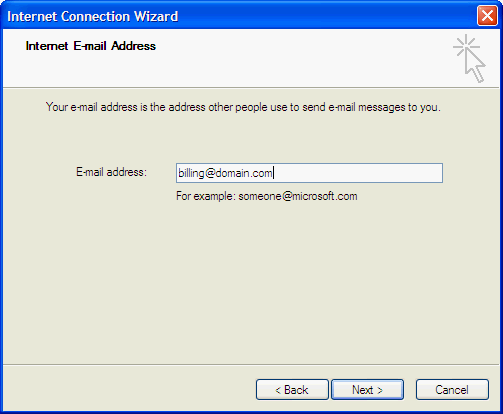
5. Key in your incoming and outgoing mail server. eg: mail.domain.com
6. Enter your primary email account info as what you have entered in step1.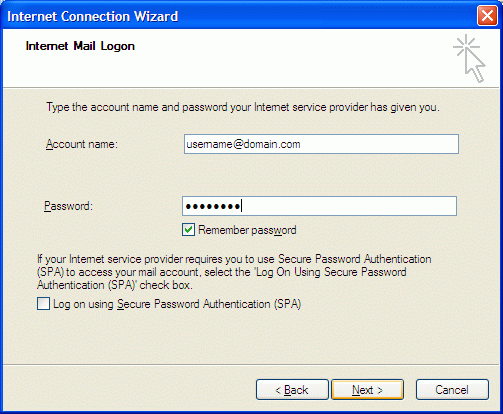
7. Click finish
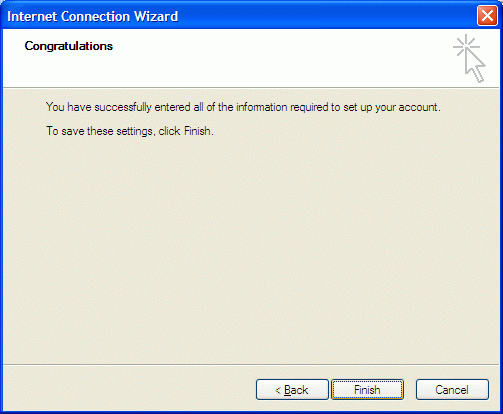
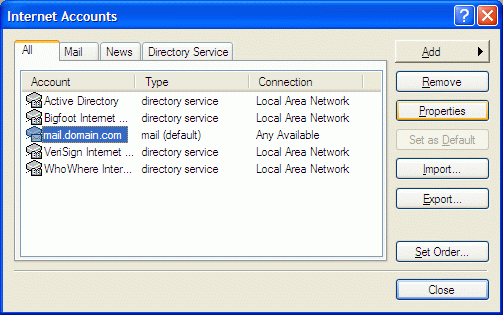
8. Select the newly created mail account and click on properties
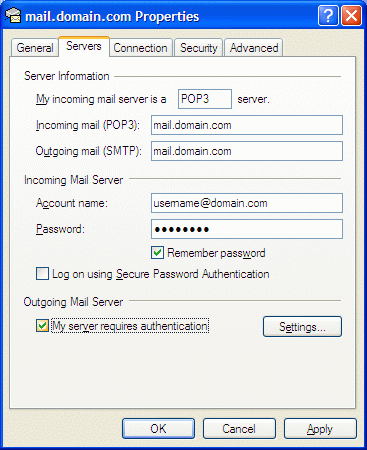
9. Go to Server tab and check "My server requires authentication" and click OK
10. When you want to send email, you will see an option for From: field in the compose email window.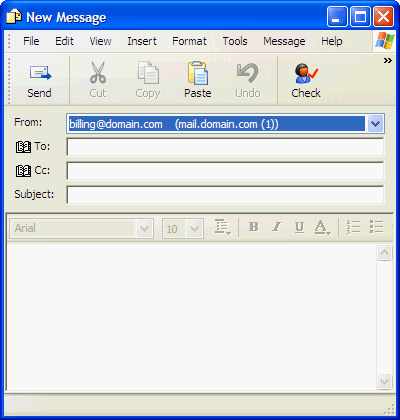
- 6 Users Found This Useful
Related Articles
Powered by WHMCompleteSolution
